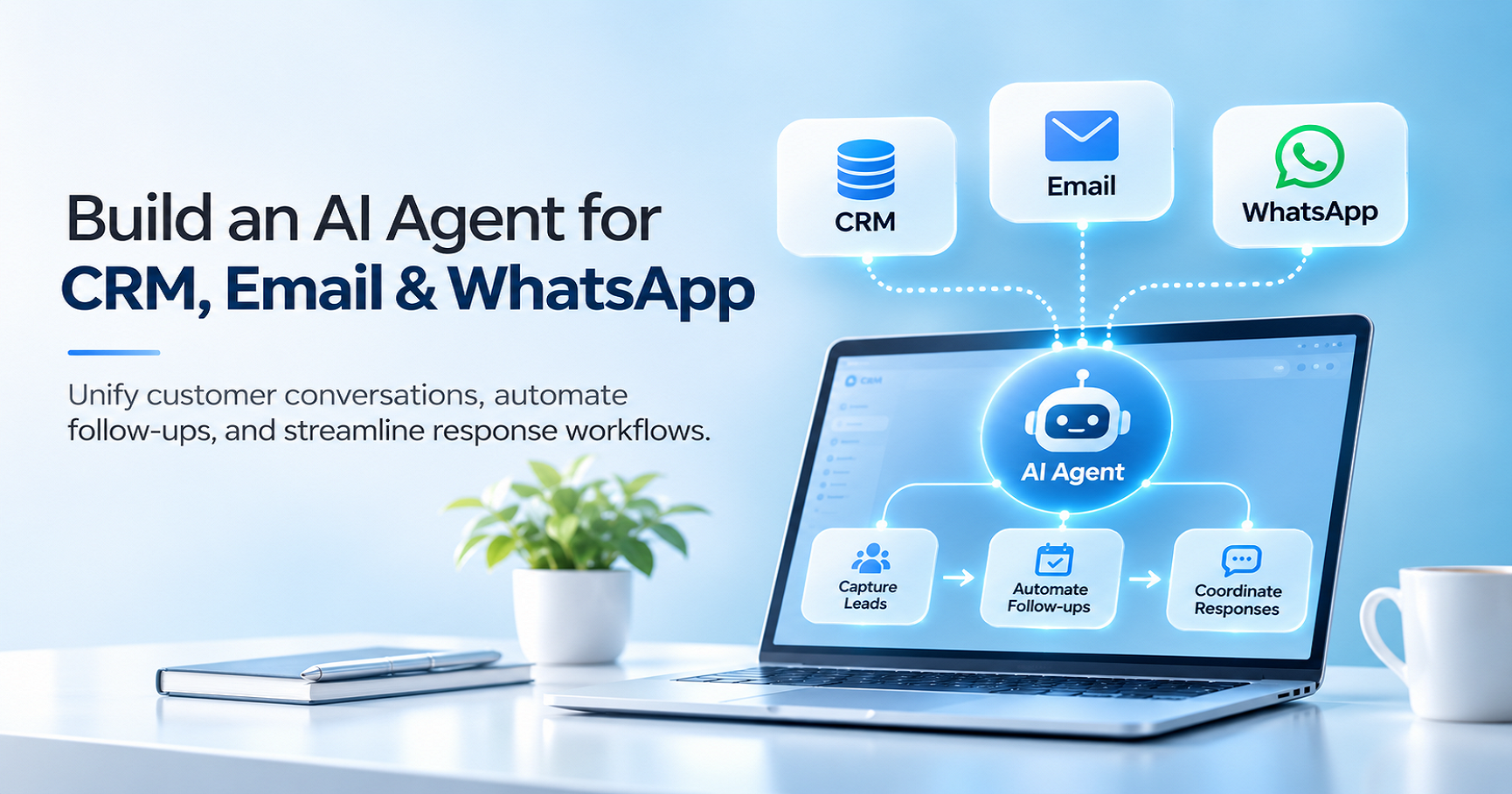
Companies find it very difficult to coordinate queries received through their CRM systems, emails, and WhatsApp messages. With all these systems running independently, there may be problems with response delays, lead capture problems, duplications, and difficulty following through on customer conversations. All these problems are difficult to control, especially with an increasing number of inquiries.
Development of an AI agent provides a solution that links these different systems, categorises all the customer data available, and automates all communications. Working with an experienced AI automation company will provide solutions that will gather the required data and take the necessary actions based on employees' permissions.
Fillip Technologies helps businesses explore customised AI solutions that integrate with existing software and support more efficient customer communication.
What Can an AI Agent Do Across CRM, Email, and WhatsApp?
The AI agent operates as an intermediary between the channel of communication and business application software. The role played by this intermediary depends on the needs of the firm as well as the permission given to the system.
Common capabilities include:
- CRM management: Get customer information, update the permissible fields, enter regular task entries, and arrange for follow-ups.
- Email automation: Categorize emails, compose replies, and handle email exchanges based on customer requirements.
- WhatsApp correspondence: Respond to regular queries, get required information, and send any authorized updates.
- Collaboration in workflow: The feature includes the delegation of tasks, notifications for team members, and escalations for more difficult tasks.
- Customer insights: Conversations can be summarized, and areas requiring follow-ups can be noted.
Such functionalities will also be useful in the context of Digital Marketing, where customer queries can be organized, followed up, and regular communication maintained as per customer interest.
How to Build an AI Agent That Connects With CRM, Email, and WhatsApp
1. Define the Business Process
To begin, you'll need to identify a specific process you want to automate. This could be a very defined area such as qualifying leads, checking for appointments, providing customer support, or following up on sales.
It is necessary to define what kind of information the agent will get, what kinds of systems it has access to, what it will do, and what the circumstances are that will trigger its requesting human intervention.
Example:
- Customer enquiry
- Message received
- Service identification
- CRM lookup
- AI-generated response
- Human approval (if required)
- Customer response sent
- CRM record updated
A clearly defined workflow makes it easier to test, evaluate, and improve the AI agent before expanding automation to other processes.
2. Integrate the CRM Through APIs
When the company uses the CRM as the system of record, then the CRM becomes the primary source for information about customers.
The developers will be able to use the supported APIs to extract contact information, verify lead status, modify permissible fields, and track customer interactions. The integration should also include customer identification and validation rules to avoid duplication.
Example:
- Incoming enquiry
- Email or phone verification
- CRM contact search
- Existing customer identified / New lead detected
- Retrieve customer details or prepare a lead record
- Validation
- CRM record updated
A professional Software Development Company can assist you with implementing these integrations, setting up API authentication, validating data, and integrating your CRM.
3. Connect Email
Through email integration, the AI agent will be able to receive emails, determine their intent and provide appropriate responses according to the verified business information.
Depending on the email provider, developers can extract messages and generate drafts using supported APIs, authentication methods, and event alerts.
Example:
- Incoming email
- Message intent identification
- Customer record retrieval
- Approved pricing lookup
- Required details validation
- Clarification request (if details are missing)
- Response draft generation
- Human approval (initially)
- Email sent
- Conversation history and communication status logged
The integration should also maintain relevant conversation references and log the status of communication so that employees can refer to previous interactions as needed.
4. Connect WhatsApp
WhatsApp provides a friendly platform to interact with customer inquiries, service updates, and follow-up communication. Businesses can connect an AI agent via the official WhatsApp Business Platform, using supported APIs and webhooks.
So, when a customer sends a message, the webhook sends the event to the backend. The system verifies the event, identifies the conversation, and sends the message for processing.
Example:
- Customer enquiry
- Request identification
- Approved service information retrieval
- Response preparation
- Customer interest detection
- Relevant details collection
- Data validation
- CRM record update
- Interaction status logged
This workflow supports Lead Generation by helping businesses capture enquiries, qualify potential customers, and notify sales representatives when follow-up is needed.
The system will have to be implemented in line with the WhatsApp messaging policies, requirements for customer consent, and approved message template and window requirements.
How Fillip Technologies Can Help Build a Connected AI Agent
Fillip Technologies is able to provide the creation of connected AI workflows using your current CRM system, email service, and WhatsApp Business API platform. According to the specific needs of your project, the implementation might include the integration of APIs, the creation of workflows, data validation, data access, and human approvals.
To develop AI automation, you have to start with the analysis of current processes in your company, finding the spots where you can use the power of automation and determining the rules of data access and action execution. It will ensure that automation solves real problems rather than creates new ones.
Do you want to connect your CRM, Email Provider, and WhatsApp with a smart workflow? Connect with Fillip Technologies to find out how we can build a custom AI agent for you.
Frequently Asked Questions
1. Can we use one AI agent to manage email and WhatsApp?
Yes. This can be managed using an orchestration service. Each channel will have its own history and rules whilst being able to utilize customer context from the CRM.
2. Are we required to change our CRM to use an AI agent?
No. Many AI agents can be implemented with your existing CRM. If the CRM is unable to perform necessary integrations, security, and functionality, then some changes may be required.
3. How long will it take to build an AI agent that integrates with CRM, Email and WhatsApp?
This will depend on many factors, including available APIs, complexity of processes, quality of data, security, and testing. A small proof of concept can be created to understand how feasible it can be.